Your cart is empty
Your cart is currently empty. Let us assist you in finding the right product.

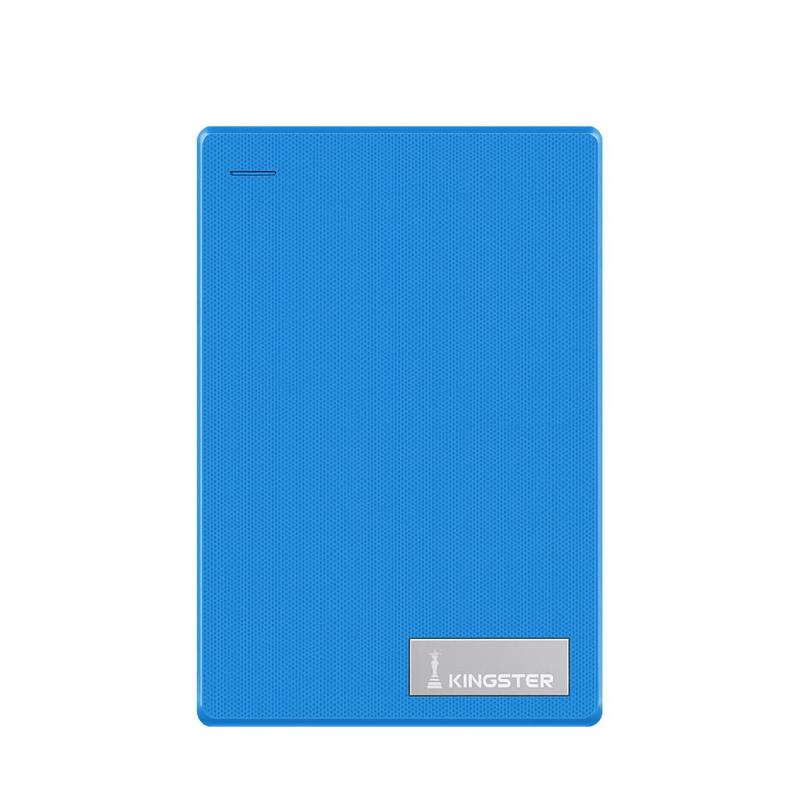
External hard drives are one of the most practical purchases for any laptop user in India. Whether you need extra storage for photos, project backups or a collection of downloaded movies and shows, a good portable HDD gives you instant, affordable space you can carry anywhere.
For most users, 1 TB is the sweet spot. At current prices in India, a 1 TB portable hard drive offers excellent value and holds roughly:
If you edit 4K video, work with large design files or need a backup drive for multiple computers, consider 2 TB. Going beyond 2 TB in a portable form factor adds cost and is typically only worth it for professional use.
Check your laptop's ports before buying. Most budget and mid-range Indian laptops still use USB-A (the rectangular port), which runs at USB 3.0 speed — around 120 MB/s read speed, fast enough for everyday use. Premium laptops (MacBook, recent Dell XPS, ThinkPad X1) use USB-C. Drives with USB-C are slightly more future-proof, but a USB-A model with a USB-A to USB-C adapter works fine.
A standard portable HDD (spinning platter) delivers around 100–130 MB/s read and write speeds. This means copying a 1 GB file takes about 8–10 seconds. For most use cases — backups, photo libraries, casual video playback — this is perfectly adequate. If you need much faster speeds (for editing 4K footage directly from the drive), consider a portable SSD instead, which offers 5–10x faster transfer rates.
The best portable hard drives are true plug-and-play — no drivers, no software installation. They are pre-formatted as exFAT or NTFS, which works on Windows. For macOS, exFAT works out of the box; NTFS requires a driver or a quick reformat. Linux supports both with no configuration needed.
The KINGSTER External Hard Drive is a plug-and-play 2.5-inch portable HDD with USB 3.0 and a compact design sized for Indian bag-and-commute culture. Available in Blue, White, Red and Black — comes with a braided USB cable for durability. No drivers, no power adapter, no fuss. Compatible with Windows 7–11, macOS 10.12+, Linux and Android OTG devices.
Find it at kingster.info with free delivery across India.

Discover more stories and style tips to keep your inspiration flowing.
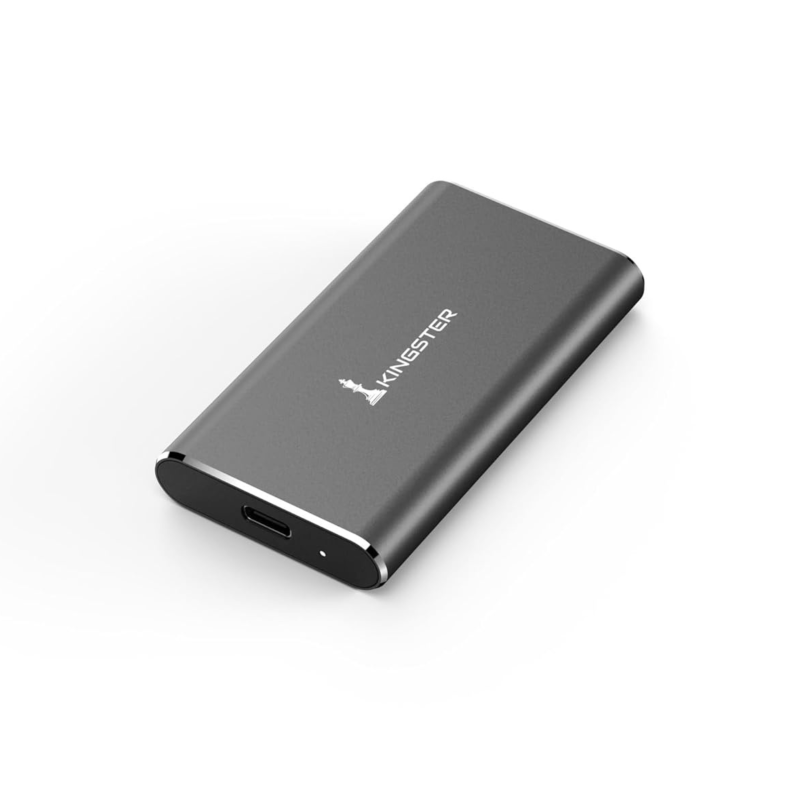
09 July
Portable SSD or external HDD — which is the smarter buy in India? Compare speed, price, durability and use cases to decide what suits your needs.
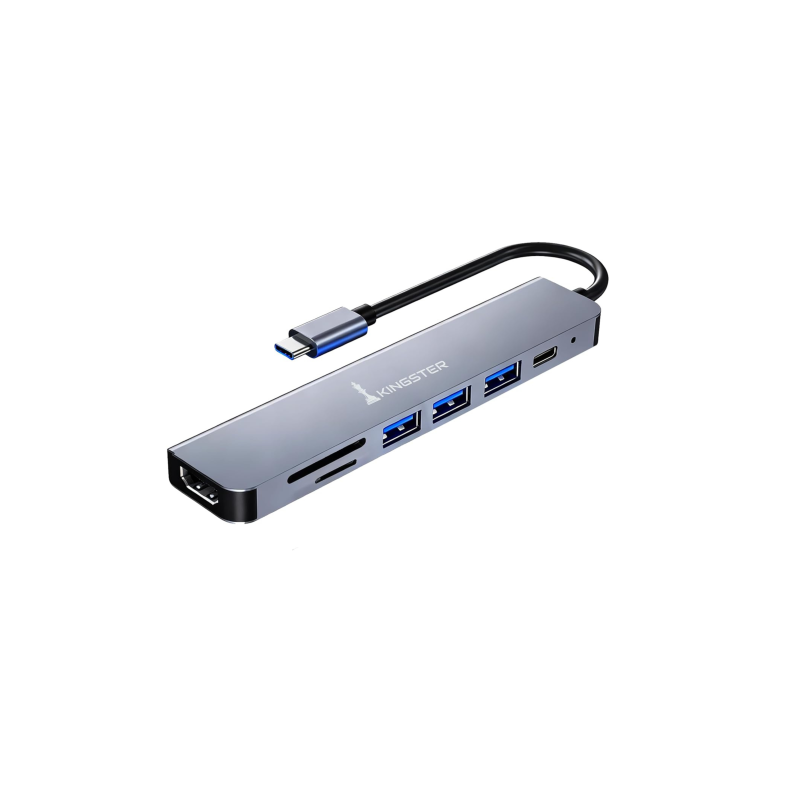
09 July
USB-C hub or USB-A hub — which do you need for your laptop in India? This guide explains the difference, what ports matter, and what to look for before buying.
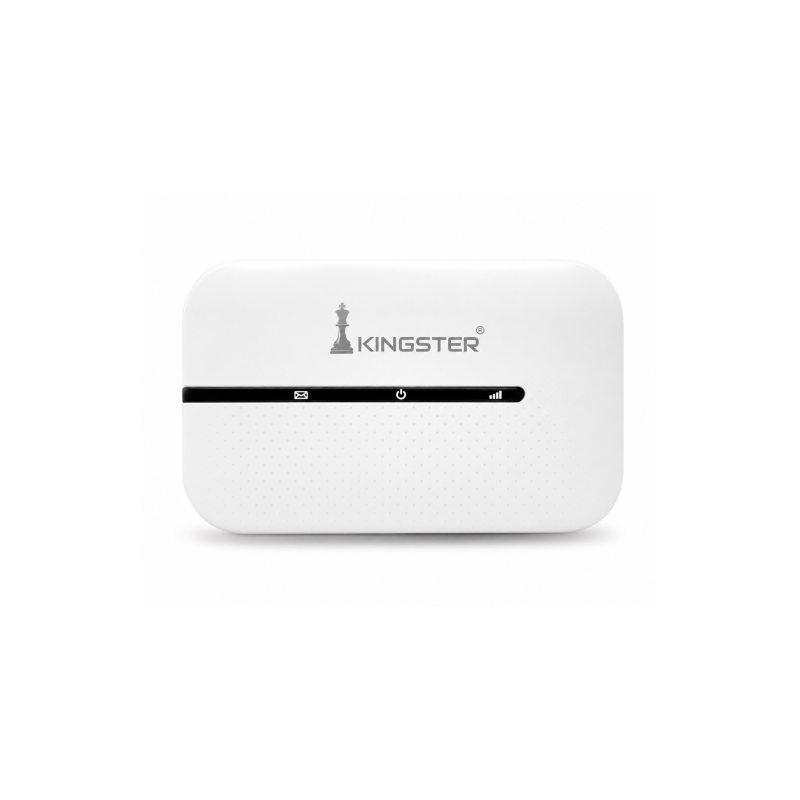
09 July
Looking for the best 4G or 5G pocket WiFi hotspot in India? This guide covers what to check — speed, battery, SIM support and price — before buying a portable WiFi router.
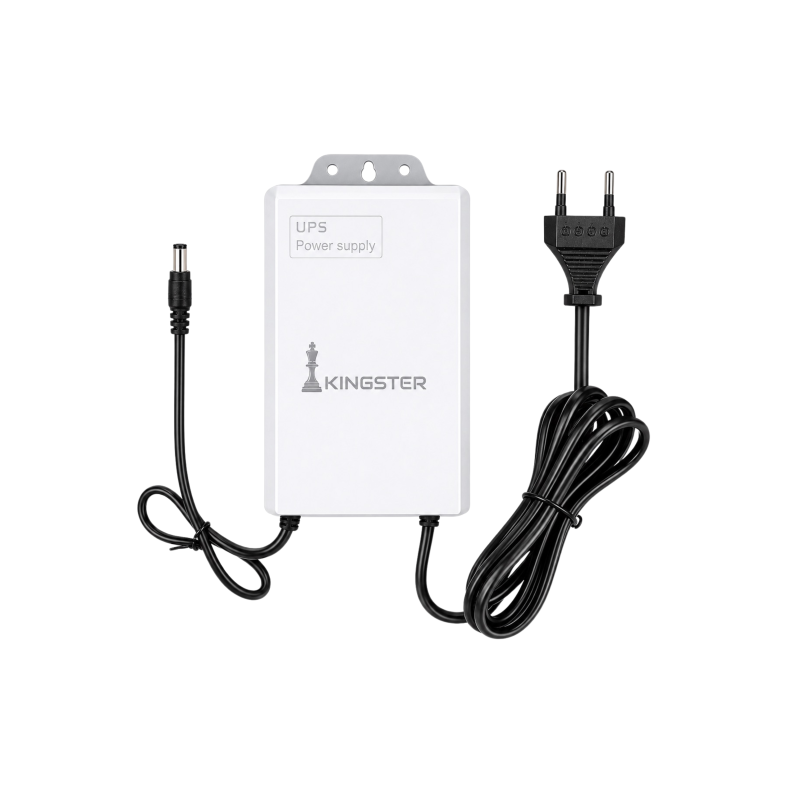
09 July
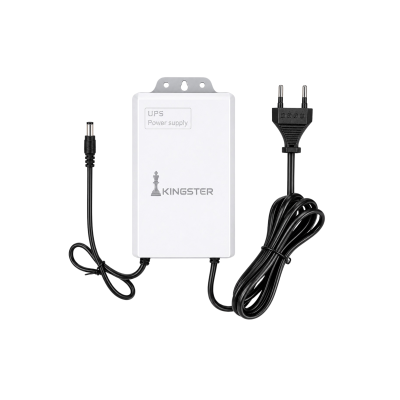
Power cuts are common across India. A mini UPS for your WiFi router keeps your internet running during outages. Here is everything you need to know before buying one.

09 July
Looking for the best silent wireless mouse for work-from-home in India? Here is what to look for — Bluetooth, battery life, click noise and ergonomics — before buying one in 2026.

28 May
Small calibrations to your phone, watch, and home setup that save hours every week.
Buy ₹100.00 more to get free shipping
Your cart is currently empty. Let us assist you in finding the right product.