Your cart is empty
Your cart is currently empty. Let us assist you in finding the right product.

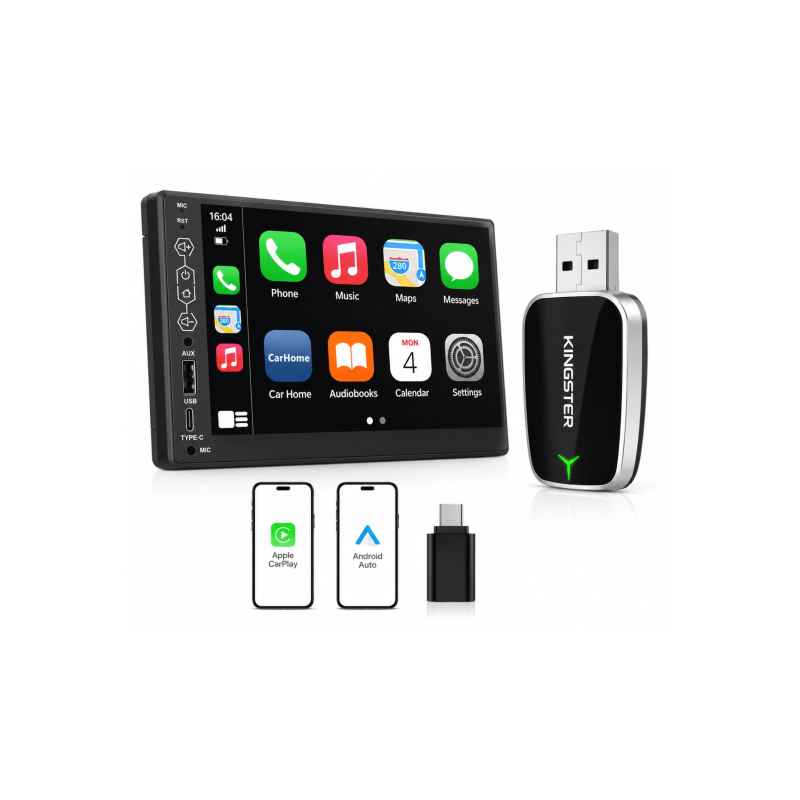
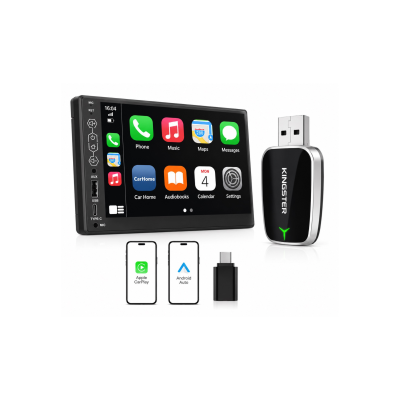
Most cars sold in India with factory CarPlay support require you to plug your phone in with a cable every single time you want to use navigation, music or calls through the infotainment screen. A wireless CarPlay adapter removes that cable permanently — your phone connects automatically the moment you start the car.
The adapter plugs into your car's existing USB port (the same one you use for wired CarPlay). It acts as a bridge between your phone and the car's infotainment system:
Any car with factory-installed wired CarPlay or Android Auto can be upgraded with a wireless adapter. This includes popular models in India such as:
The KINGSTER 2-in-1 Wireless CarPlay and Android Auto Adapter supports both platforms in a single dongle. Whether you use an iPhone or an Android phone, the same adapter works — useful for households with mixed phone brands.
Quality adapters use Wi-Fi Direct (5 GHz) for the data connection and Bluetooth for the initial handshake. On a good adapter, response time is comparable to wired CarPlay — navigation updates promptly, music plays without stutter, and voice commands respond quickly. Low-quality adapters introduce noticeable delay; always choose a well-reviewed brand.
View the KINGSTER Wireless CarPlay Adapter at kingster.info with nationwide delivery across India.
Discover more stories and style tips to keep your inspiration flowing.
09 July
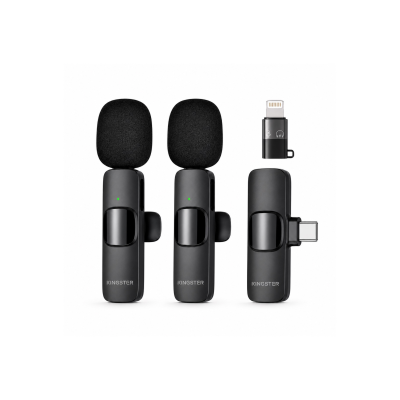
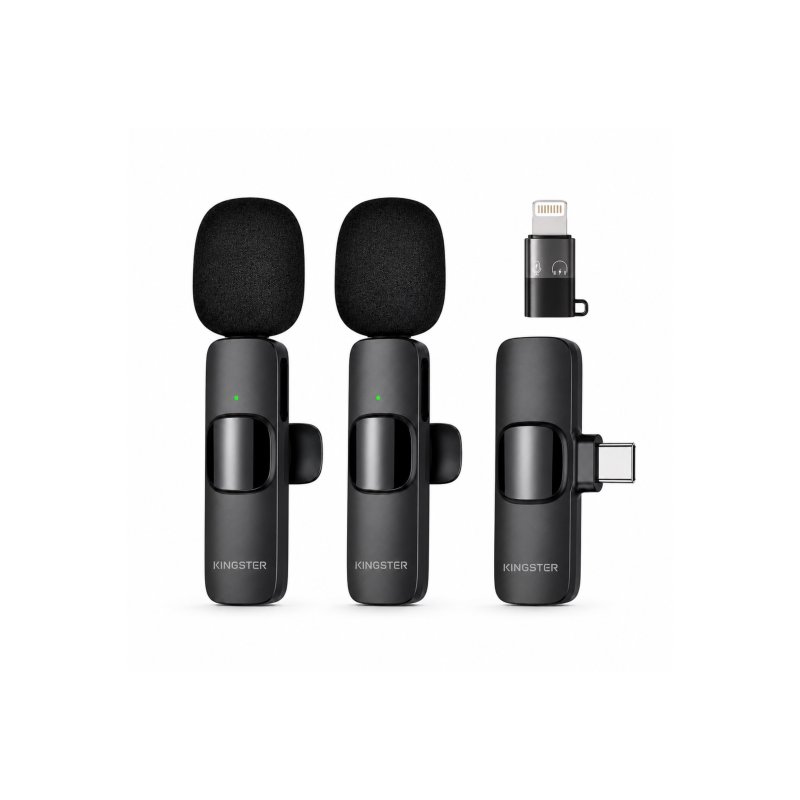
Looking for the best wireless lavalier microphone for YouTube, Instagram Reels or podcast recording in India? Here is what to look for and how to choose the right mic for your content.
Buy ₹100.00 more to get free shipping
Your cart is currently empty. Let us assist you in finding the right product.